





A Hugo resume theme with a Developer focus in mind.
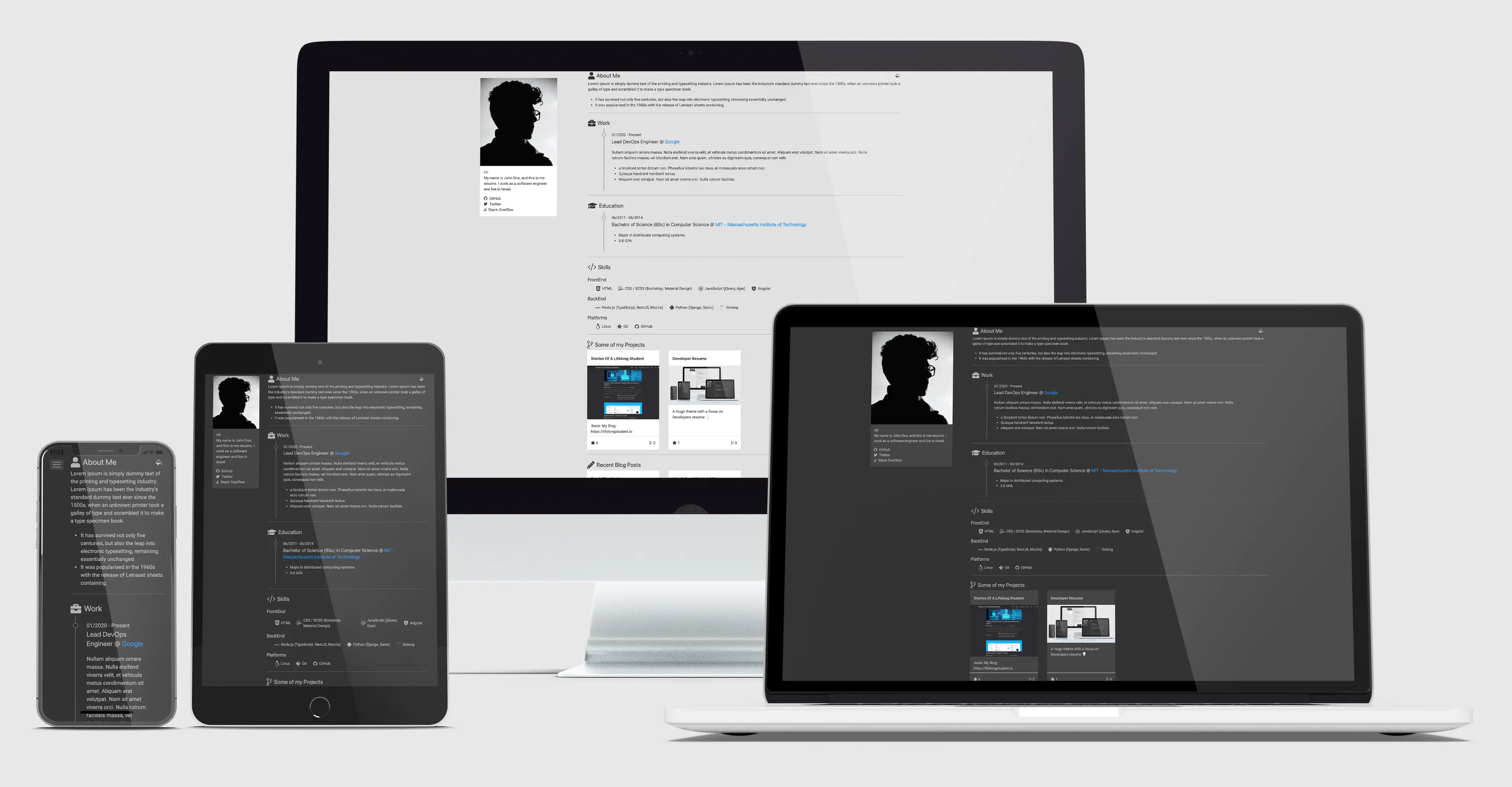
To see this theme in action, Here is a live demo site which is rendered with this theme and some content for documentation.
- Responsive layout.
- Light / Dark mode.
- Generate GitHub project cards automatically from a repo name.
- Automagically get the latest posts from your blog.
- Use Font Awesome or Devicons icons.
- Support Google and Plausible analytics.
- Optimized for Performance, Accessibility, Best Practices, and SEO: 90+ (out of 100) on mobile and desktop in Google PageSpeed Insights.
- CDN for all third-party libraries supported.
- Automated contact form with formspree and getform.
If you want to use the theme in your own hugo website just clone the repo to to your themes directory or add it as a submodule.
$ git clone git@github.com:nirgn975/devRes.git themes/devResor
$ git submodule add git@github.com:nirgn975/devRes.git themes/devResAnd then add it to your config.toml file
theme = "devRes"You can look at the exampleSite to check out the config.toml and the data/content.yaml for examples.
- You can change the theme colors in the
config.tomlfile. - Your resume data should be added in the
data/content.yamlfile. - Your favicons should go in an
iconsdirectory insidestatic. You can easily generate them with realfavicongenerator, and set theme-color and background-color inbrowserconfig.xmlandsite.webmanifest.
You can check the exampleSite directory for an example.
Great! All issues and pull requests are welcome.
For local development just start hugo with exampleSite as the source.
$ hugo server --source=exampleSite -v --gc